Steps
Go to admin.aiwebinfra.com in your web browser.
Below the Sign in button, press New here? Create an account.
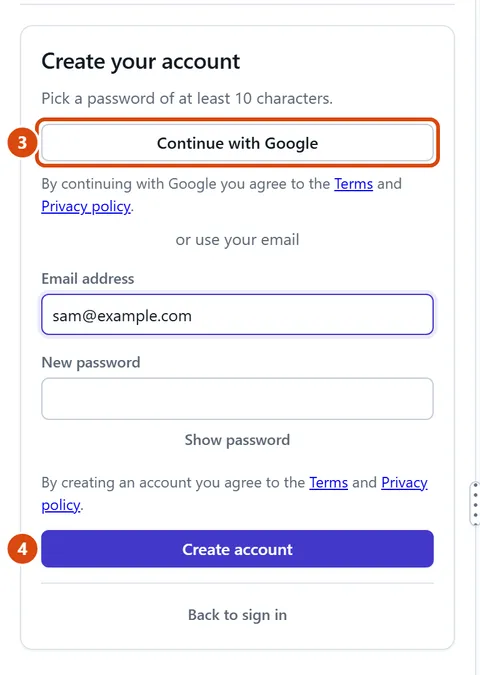
To use your Google account, press Continue with Google and follow Google’s steps. That’s it: you’re in.
To use any other email, type your email address and a new password (at least 10 characters), then press Create account.
We email you a 6-digit code. Type it in, then press Confirm email.
Or ask the Assistant: “What should I do first on my new website?” (Once you’re in.)
Tip: See “AiWebGen is opening soon”? We aren’t taking new accounts yet. Press “No account? Try the editor first” on the Sign in screen to try it now.
Related: Make your first website · Find your way round the editor
Next: Make your first website
Still stuck? Contact support