Put some words in a different font
Make a few words stand out in another font, such as a handwriting font.
Steps
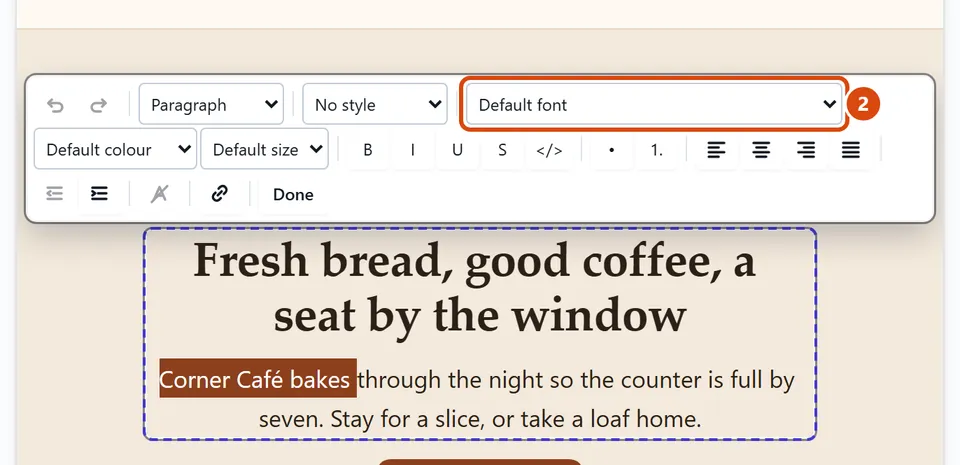
Double-click the text on the page, then select the words you want to change.
In the bar over the text, open Font. It shows the font the words use now, such as “Default font”.
Pick a font. Your design’s own fonts come first, then everyday fonts, then handwriting and display fonts, then any fonts you uploaded under “Your fonts”.
To put the words back, select them and choose Default font.
Or ask the Assistant: “Put the words ‘Welcome in’ on the home page in a handwriting font.”
Tip: Want every heading or all your text in a new font? Change the whole site’s fonts in Design instead.