Steps
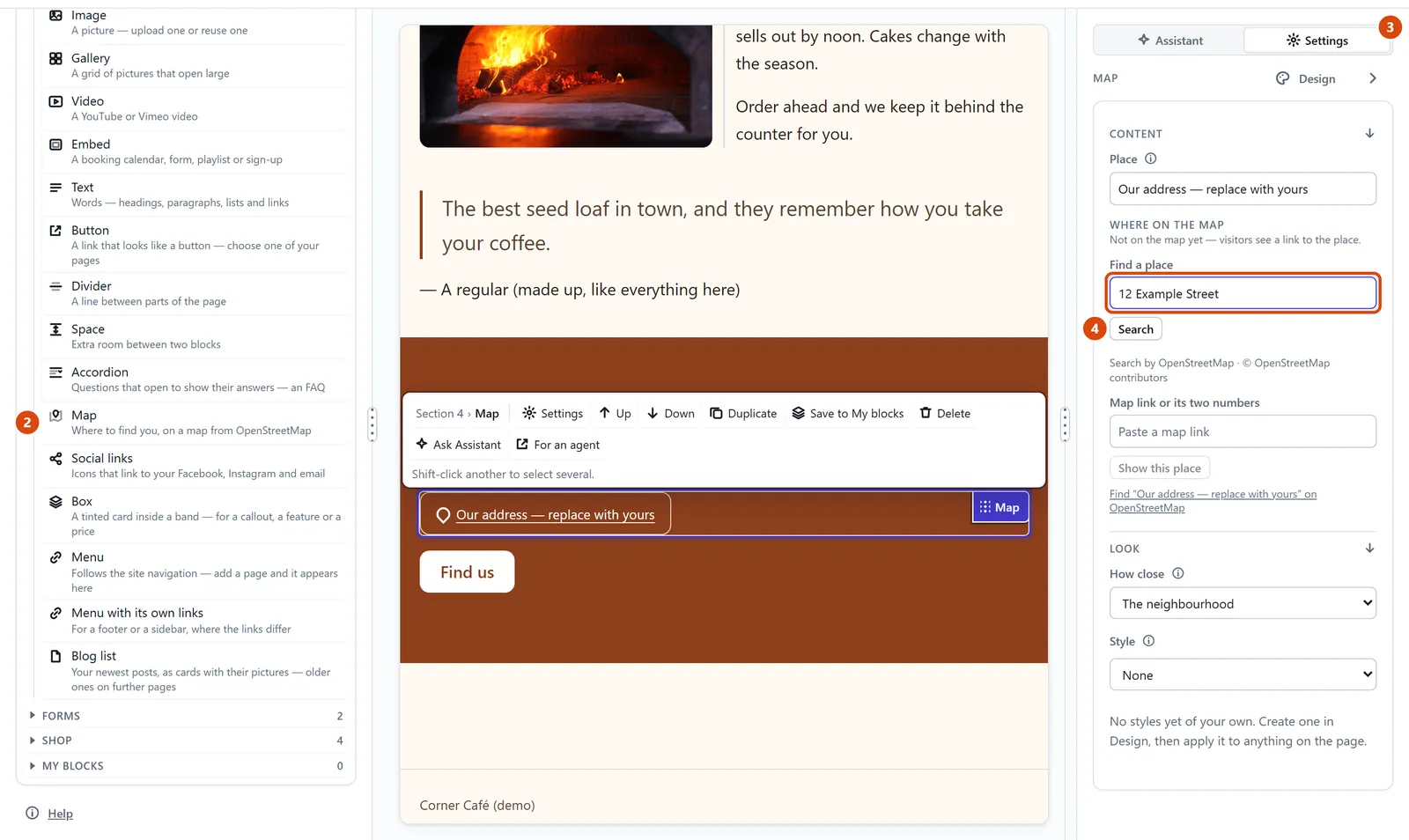
Open Add in the left sidebar, and look under Content.
Drag Map onto the page.
With the map selected, open Settings in the right-hand panel, and find Where on the map.
Type your address or business name in Find a place, then press Search.
Pick your place from the list. The map moves there, with its name underneath.
Or ask the Assistant: “Put a map of 12 High Street, Bath on my Contact page.”
Tip: Already have a link from Google Maps or OpenStreetMap? Paste it in Map link or its two numbers, then press Show this place.
Related: Add a contact form · Add a video or a booking calendar
Next: Add a video or a booking calendar
Still stuck? Contact support