Steps
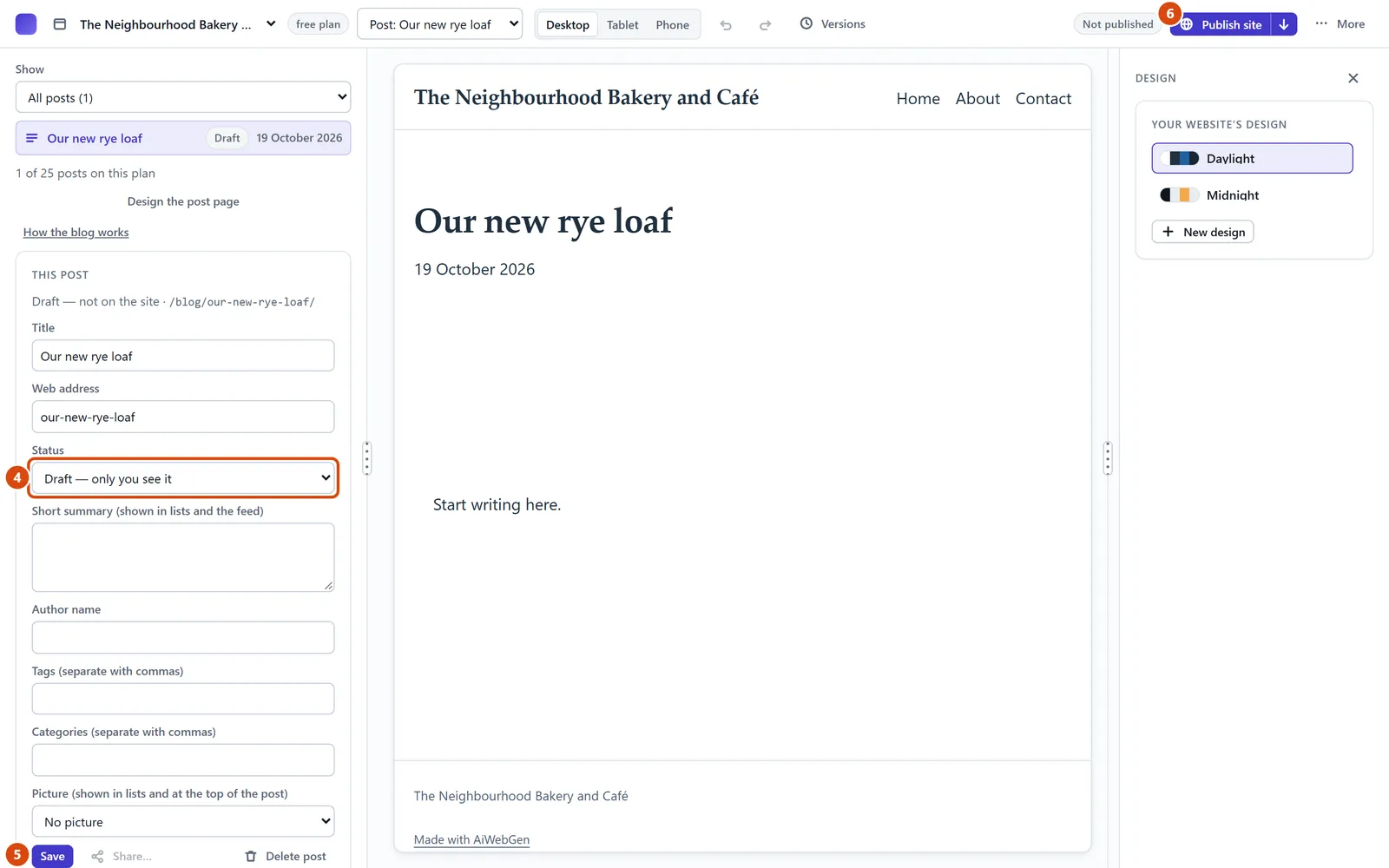
In the left sidebar, open Posts and press New post.
Type a title, then press Start writing.
Your post opens in the middle of the screen. Click the words “Start writing here.” and type your own.
In Posts on the left, under Status, choose “Live — on the site from the next publish”. Or choose “Scheduled — live from a time you choose” and pick a day and time.
Press Save.
Press Publish site at the top. Your post is now on the web.
Or ask the Assistant: “Write a draft post about our new autumn menu.”
Tip: Only you can see a Draft. A Live post goes on the site the next time you publish.
Related: Show your latest posts on a page · Put your site on the web
Next: Show your latest posts on a page
Still stuck? Contact support