Steps
Press Publish site first. A share points to your live site, so it has to be on the web.
Press Share… on the line that says your site is live. (For one page, its share icon in the Pages list does the same.)
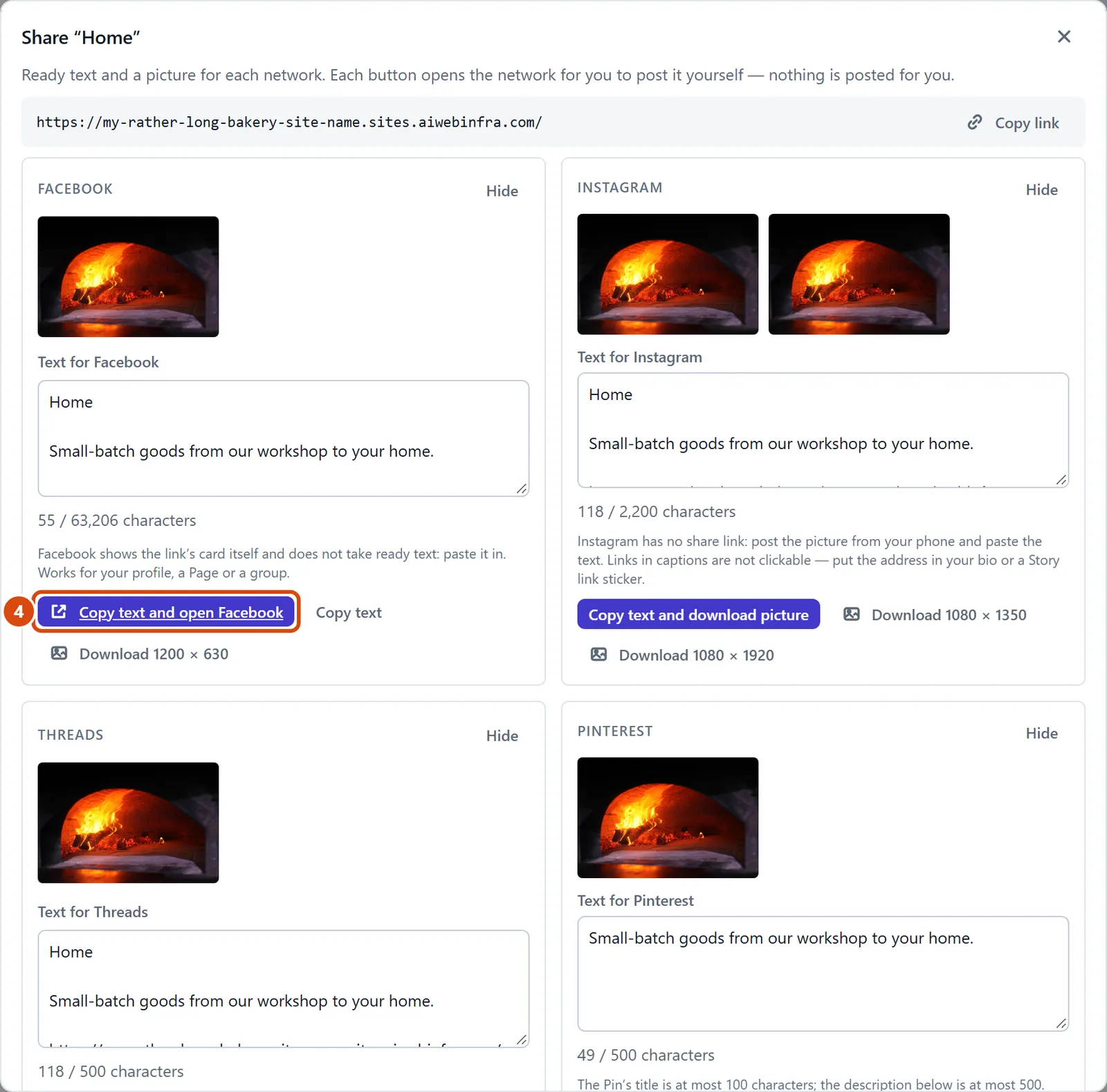
Find the card for the network you use and change its words if you like. The count shows how much that network allows.
Press the card’s main button, for example Copy text and open Facebook. The network opens with your words ready, or the words are copied and the picture downloads, for Instagram and TikTok.
Paste in the words if they aren’t already there, and post it on the network yourself.